Polycube
A downloadable tool for macOS
About
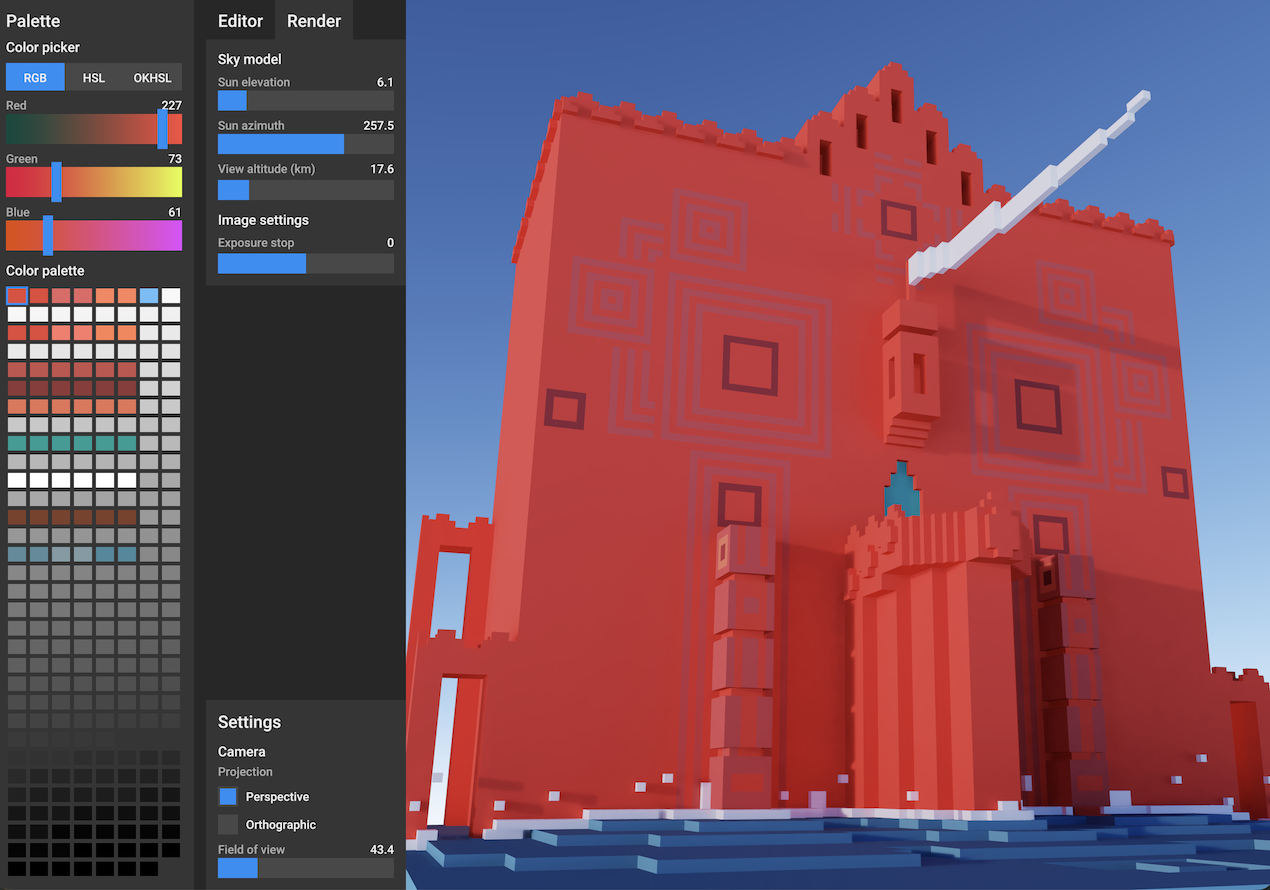
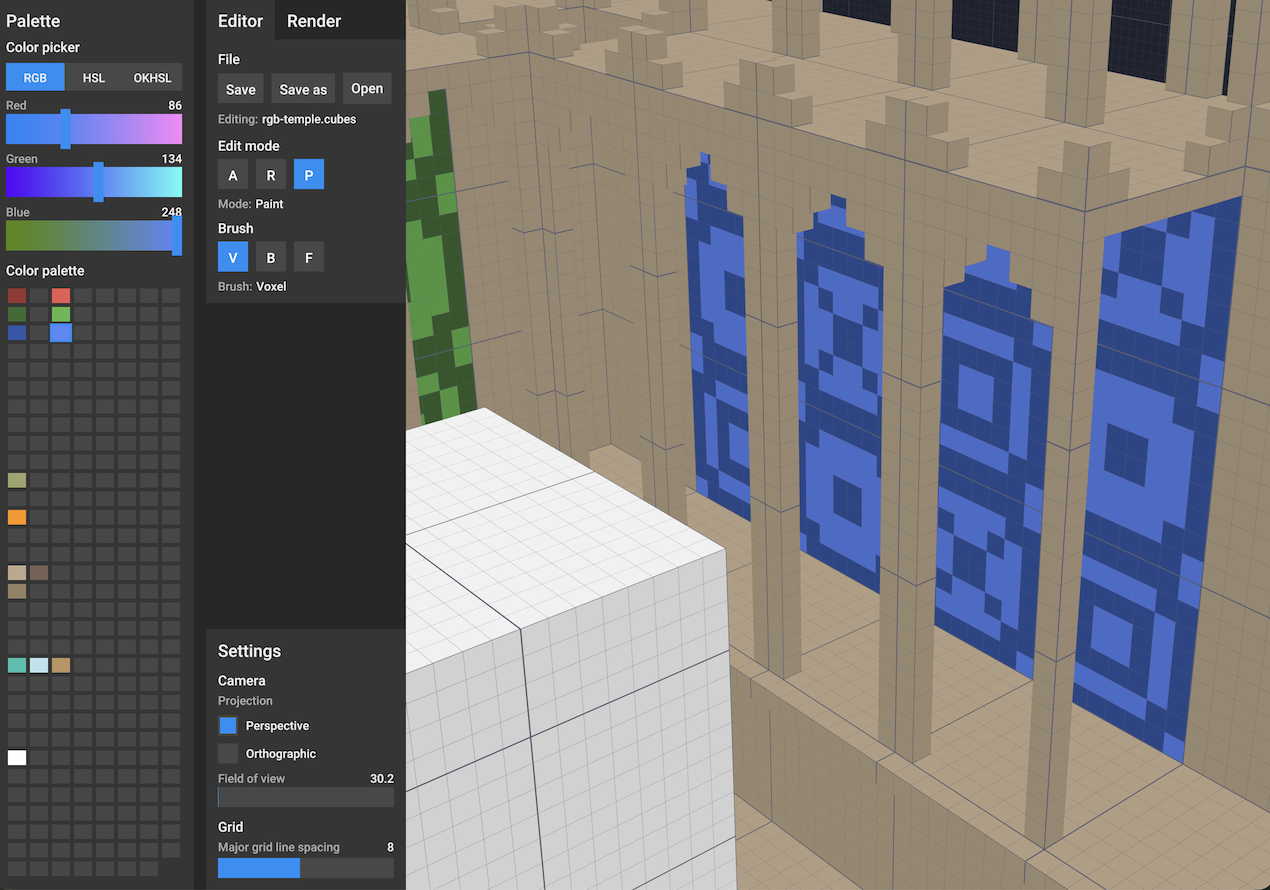
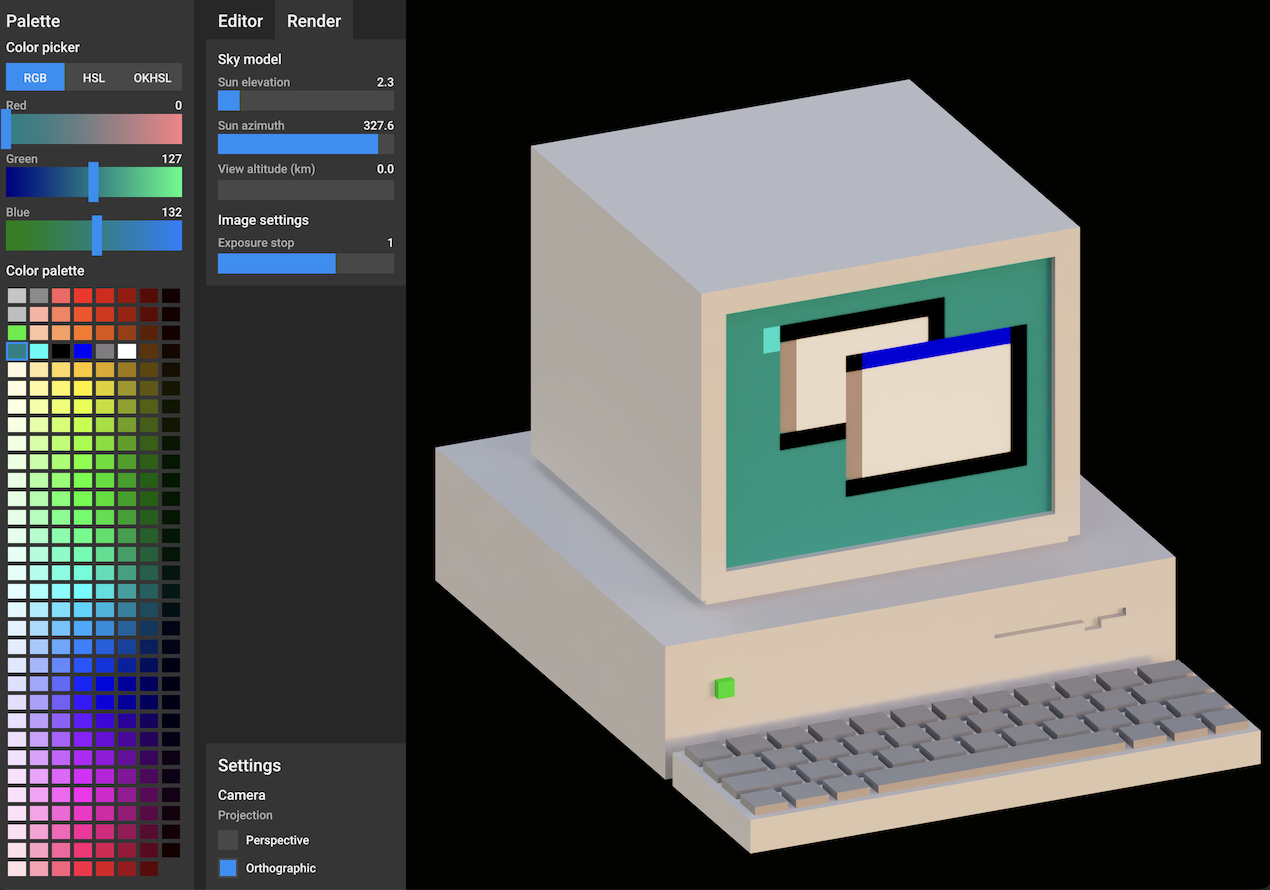
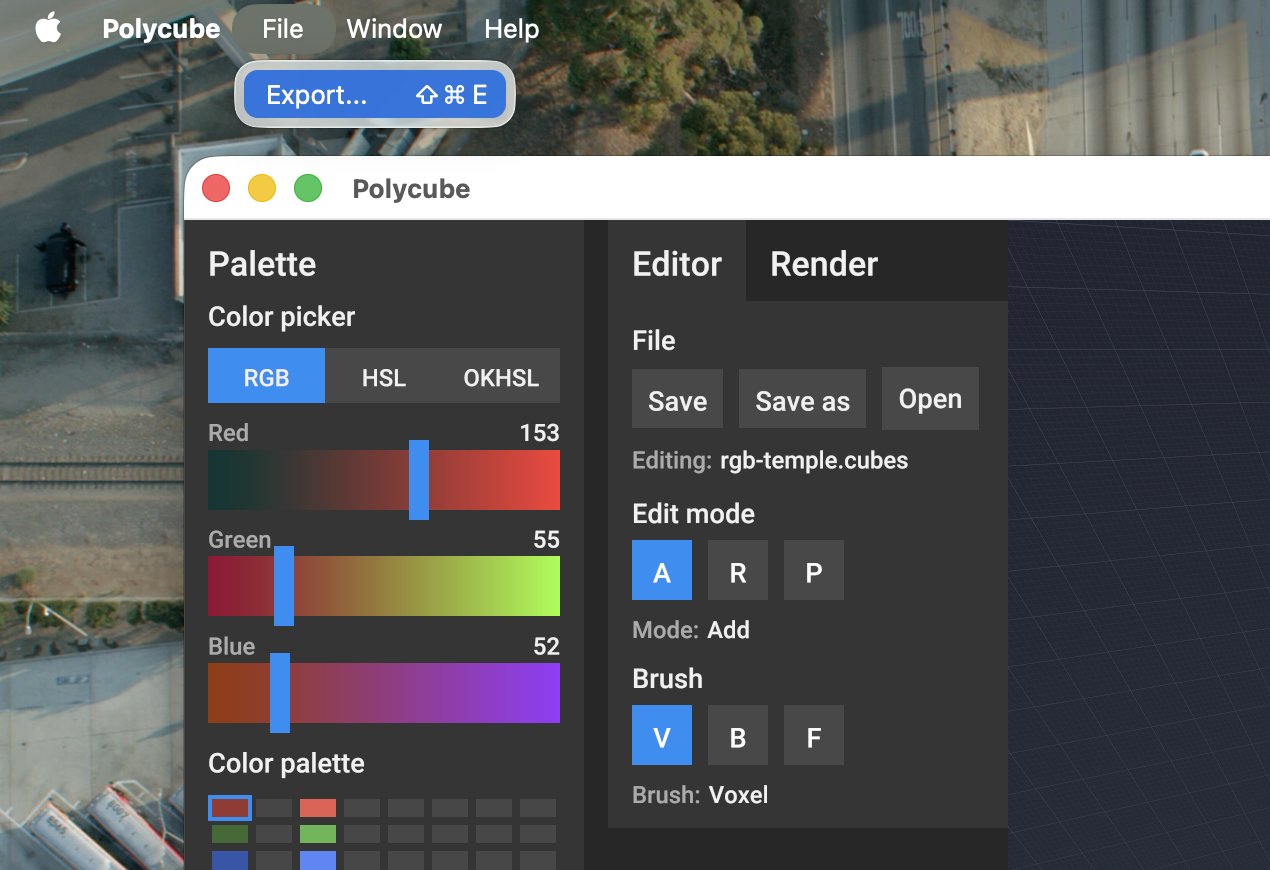
Polycube is a voxel editor for easy 3D modeling and previewing. Create models on a simple grid and export them to MagicaVoxel format for use in other tools and games.
Platforms
Polycube is currently available on macOS for Apple Silicon computers.
More Information
Read more at polycube.app
Keyboard Shortcuts
- A: Select Add edit mode
- R: Select Remove edit mode
- P: Select Paint edit mode
- V: Select the Voxel brush
- B: Select the Box brush
- F: Select the Face brush
- Cmd+S: Save current file
- Cmd+O: Open new file
- Cmd+Z: Undo the last action
- Cmd+Y: Redo the last undone action
Camera Controls
Navigate the 3D viewport using mouse or touch controls.
Mouse:
- Right-click + drag: Rotate the camera around the model
- Middle-click + drag: Pan the camera
- Scroll wheel: Zoom in and out
Touch:
- Two-finger drag: Pan the camera
- Shift + two-finger drag: Rotate the camera
- Pinch: Zoom in and out
v0.8.0
Added
- Prompt for unsaved changes when opening a new file
Changed
- Prevent save to imported VOX files to avoid data loss
- Increase zoom sensitivity when close to objects for more precise navigation
- Prevent slider input when the slider not active element
Download
Click download now to get access to the following files:
Leave a comment
Log in with itch.io to leave a comment.